- B2C
- macOS
- Personal project
One Life OS — a personal planner for Mac
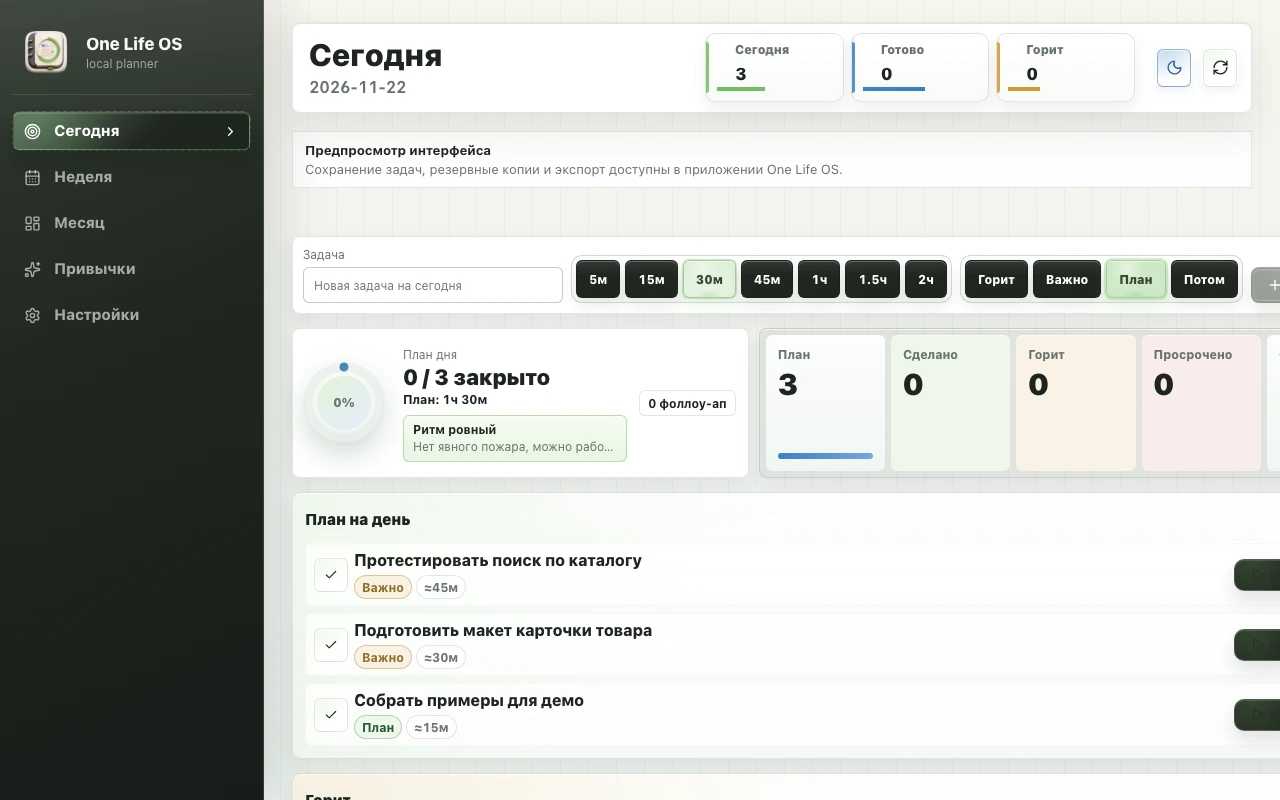
I used to plan my weeks in Google Sheets, then moved the routine into a desktop app I built. Each morning I can see my tasks, their priorities and how much time I’ve set aside for them.
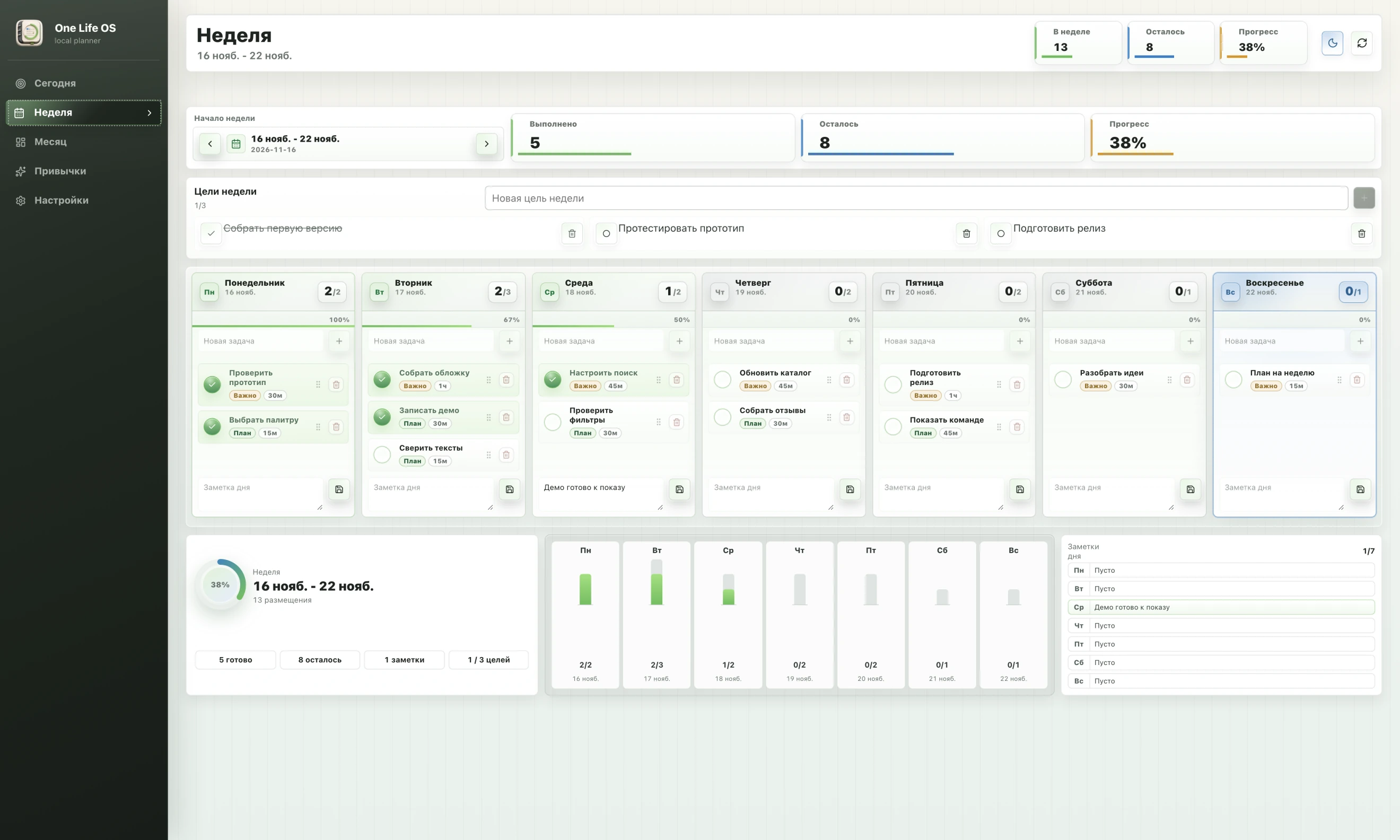 View full-size screenshot
Moving on from spreadsheets
I wanted different views of the same plan. I set monthly goals, schedule tasks across the week and pick a starting point each morning. Habits have their own weekly tracker.
Seeing the day’s workload
When I add a task, I set its priority and estimate its duration. The Today view adds up those estimates so I can see how much I’ve committed to. Each task also has a timer that records the length of a work session.
Keeping the data on my Mac
I built the interface with React and TypeScript and the desktop app with Tauri, Rust and SQLite. Tasks stay on the device. I added backups and JSON and CSV exports so I can use my records outside the planner.